Git vs GitHub: Version Control and Collaboration Explained
Are Git and GitHub the same thing? Git tracks project history; GitHub hosts repositories and collaboration tools.

1:47 · No narration: the video shows each step as text on screen, and every step is written out below, with buttons that jump the video to it.
Prefer YouTube? Watch this video on our YouTube channel (opens in a new tab).
The six points in the video
This is a silent video. The headings, explanations and labels below reproduce the information on screen.
-
Step 1: Git tracks project history
It records changes to files in a version-controlled project.
On-screen labels: Tracked files; Saved changes; Project history.
-
Step 2: Git can work on a computer
A local repository can hold code and its history.
On-screen labels: Local project; Local history; Developer workflow.
-
Step 3: GitHub hosts repositories
Teams can store and collaborate on Git projects online.
On-screen labels: Hosted repository; Team access; Shared project.
-
Step 4: Collaboration adds review tools
Issues and pull requests help discuss work and proposed changes.
On-screen labels: Issue discussion; Proposed change; Code review.
-
Step 5: Ownership still needs checking
Know which business or team controls the hosted project.
On-screen labels: Repository owner; Authorised access; Handover arrangements.
-
Step 6: Code history has a defined scope
A repository may not include live databases or uploaded customer files.
On-screen labels: Tracked project files; Separate live data; Complete backup plan.
A practical check for your business
Ask where the project's repository is held and who can access it. Review the business's ownership and handover arrangements as well as the developer's day-to-day use of Git.
Sources and further detail
See it in a diagram
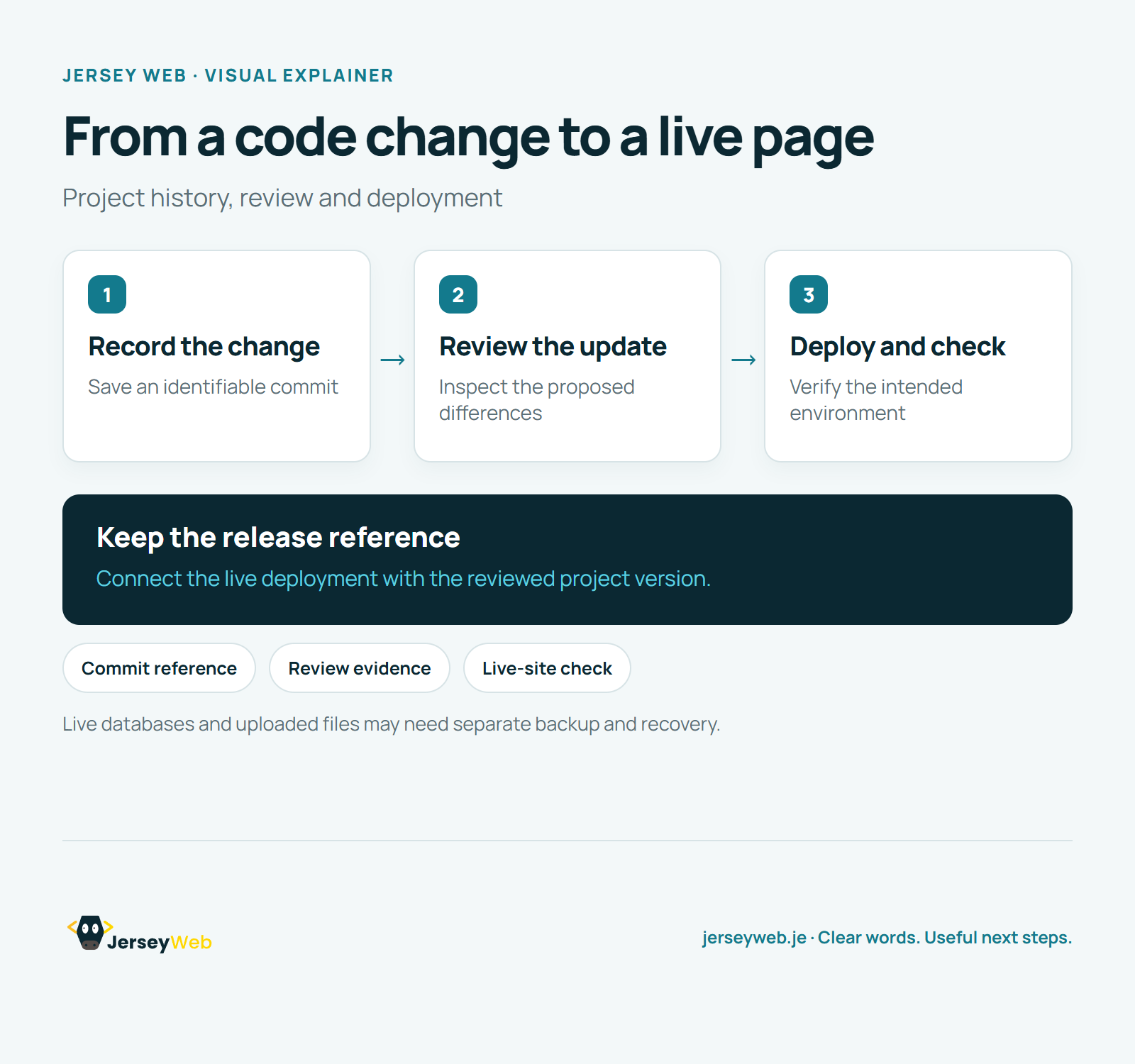
Read the diagram as text
- Record the change: Save an identifiable commit
- Review the update: Inspect the proposed differences
- Deploy and check: Verify the intended environment
Keep the release reference. Connect the live deployment with the reviewed project version.
Live databases and uploaded files may need separate backup and recovery.
Diagram by Jersey Web. Open full size · Source and further detail (opens in a new tab)
Common questions
Are Git and GitHub the same thing?
Git tracks project history; GitHub hosts repositories and collaboration tools. Ask where the editable project and its history are kept.
Go further
More video tips
All 205 videos →
What Is a Code Repository? A Website Handover Term Explained
A repository, explained.
What Is a Git Commit? A Saved Point in Your Website Code History
Git commits, explained.