Website Software Updates: 6 Checks for a Sensible Maintenance Plan
Who is looking after your website software updates? A clear maintenance plan helps keep the service supported.
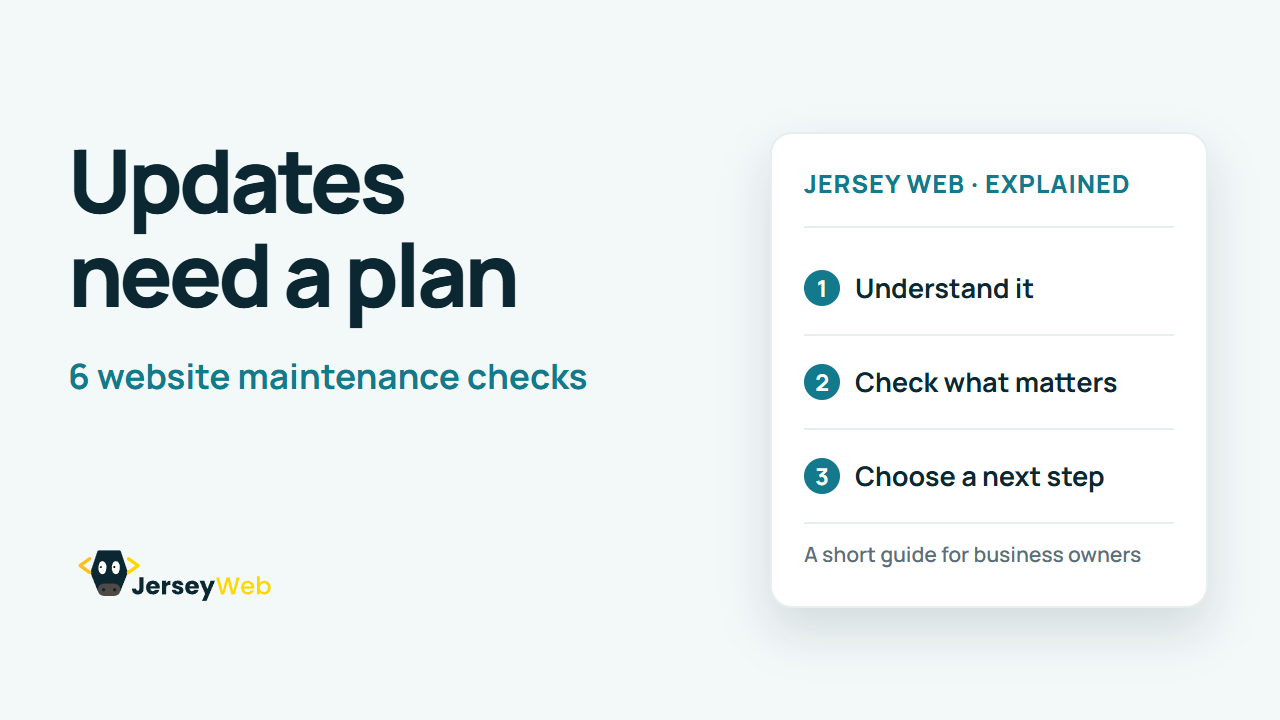
1:47 · No narration: the video shows each step as text on screen, and every step is written out below, with buttons that jump the video to it.
Prefer YouTube? Watch this video on our YouTube channel (opens in a new tab).
The six points in the video
This is a silent video. The headings, explanations and labels below reproduce the information on screen.
-
Step 1: List the moving parts
Know which platform, themes and add-ons the website depends on.
On-screen labels: Website platform; Themes and extensions; Connected services.
-
Step 2: Name the responsible person
Agree who follows support notices and applies updates.
On-screen labels: Maintenance owner; Support contact; Clear responsibilities.
-
Step 3: Keep a recovery route
Have a current backup and a known restore process.
On-screen labels: Current backup; Restore instructions; Recovery contact.
-
Step 4: Test significant changes
Use a suitable test environment before major live changes.
On-screen labels: Staging review; Compatibility checks; Important journeys.
-
Step 5: Prioritise security fixes
Promptly review security notices for the software you use.
On-screen labels: Supported versions; Security advisory; Timely action.
-
Step 6: Check the live result
Confirm forms, payments and other essential tasks still work.
On-screen labels: Working forms; Correct content; Change record.
A practical check for your business
Keep an inventory of the software and connected services that need maintenance. Agree who reviews updates, how important tasks are checked and how a failed release is recovered.
Sources and further detail
Common questions
Who is looking after your website software updates?
A clear maintenance plan helps keep the service supported. Agree the process before an urgent update arrives.
Go further
More video tips
All 205 videos →
Keyboard Navigation: 6 Practical Website Checks
Try the customer journey.
Visible Focus Explained: Help Keyboard Users See Where They Are
Help keyboard users find it.