Audio Description Explained: Making Important Visual Information Available in Audio
What information is lost when a viewer cannot see the picture? Audio description communicates important visual information through spoken words.
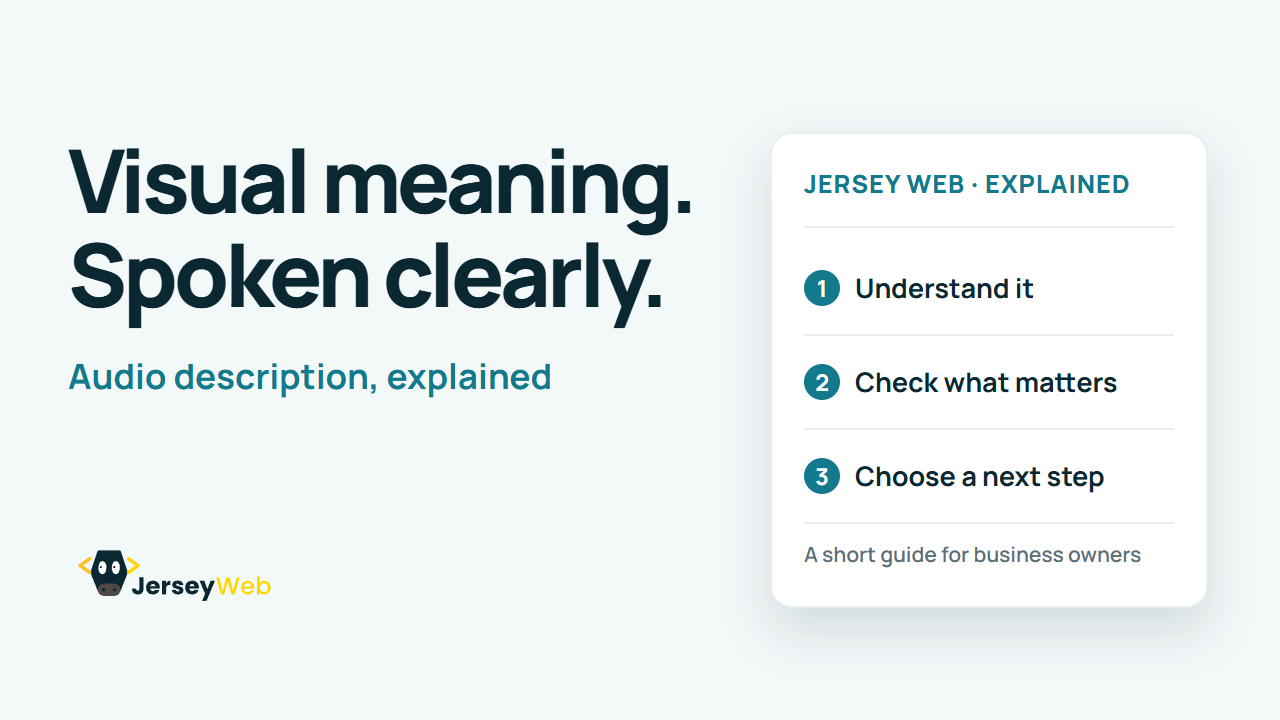
1:47 · No narration: the video shows each step as text on screen, and every step is written out below, with buttons that jump the video to it.
Prefer YouTube? Watch this video on our YouTube channel (opens in a new tab).
The six points in the video
This is a silent video. The headings, explanations and labels below reproduce the information on screen.
-
Step 1: Identify important visual meaning
Review visual information needed to understand the content.
On-screen labels: Important action; On-screen information; Relevant context.
-
Step 2: Review the existing audio
Check which visual details the main speakers already explain.
On-screen labels: Existing narration; Covered information; Remaining gaps.
-
Step 3: Choose a supported approach
Description can be integrated or supplied through another supported route.
On-screen labels: Integrated speech; Described version; Supported track.
-
Step 4: Plan clear and useful wording
Fit the important detail into the chosen timing and presentation.
On-screen labels: Relevant detail; Clear wording; Suitable timing.
-
Step 5: Keep caption needs distinct
Captions and descriptions provide different kinds of access.
On-screen labels: Caption text; Visual description; Different purposes.
-
Step 6: Test the actual listening route
Check that viewers can find and hear the intended description.
On-screen labels: Available version; Player support; Complete information.
A practical check for your business
Identify visual information that the main audio does not explain. Choose an integrated or supported separate description route, then check that viewers can find and hear the intended version.
Sources and further detail
See it in a diagram
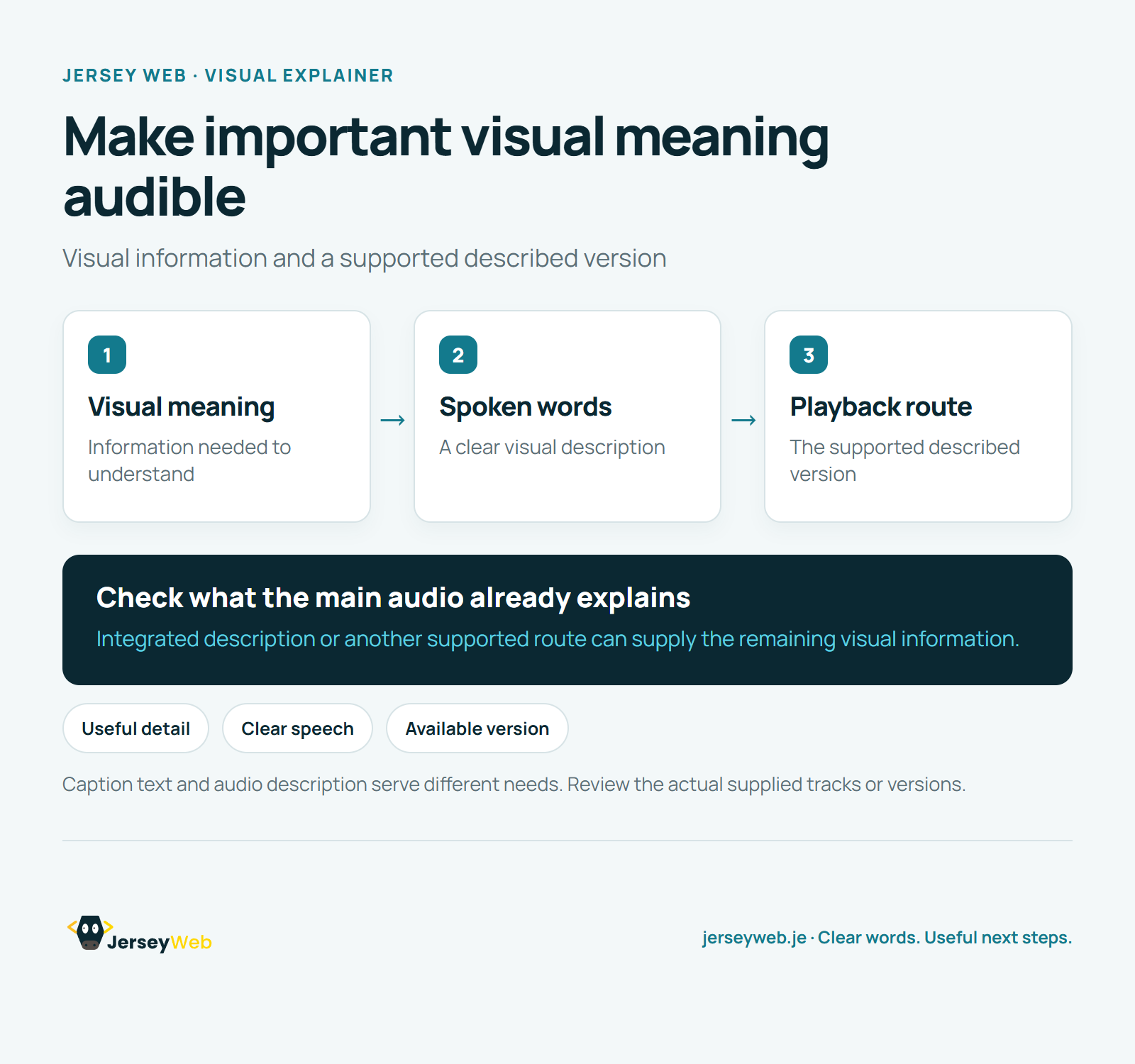
Read the diagram as text
- Visual meaning: Information needed to understand
- Spoken words: A clear visual description
- Playback route: The supported described version
Check what the main audio already explains. Integrated description or another supported route can supply the remaining visual information.
Caption text and audio description serve different needs. Review the actual supplied tracks or versions.
Diagram by Jersey Web. Open full size · Source and further detail (opens in a new tab)
Common questions
What information is lost when a viewer cannot see the picture?
Audio description communicates important visual information through spoken words. Review the spoken description and the actual route viewers use to hear it.
Go further
More video tips
All 205 videos →
How to get your Jersey business on Google Maps
Set up a free Google Business Profile, so you appear on the map when people nearby search.
Google’s business.site websites have closed: what to do now
Had a free website from Google? Six steps to replace your business.site address with your own.