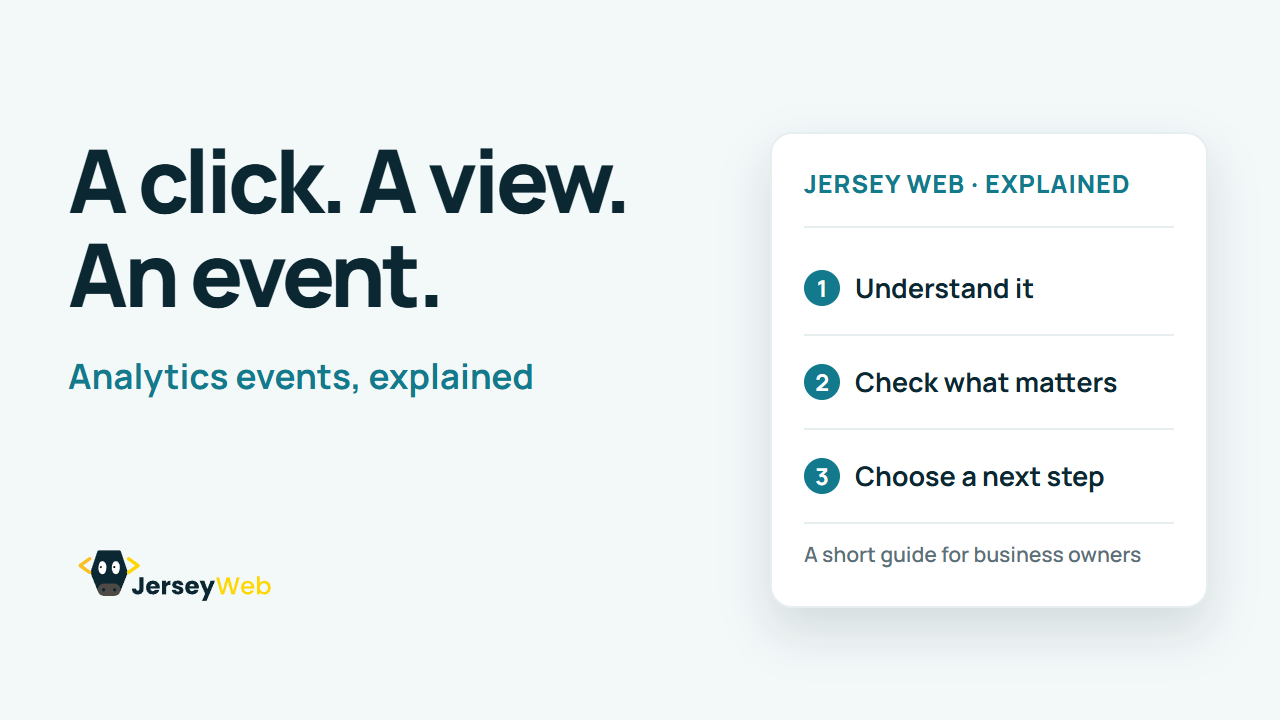
Analytics Events Explained: Measuring Actions on a Website
How does analytics record a specific website interaction? An event can measure an action or occurrence such as a page view.
1:47 · No narration: the video shows each step as text on screen, and every step is written out below, with buttons that jump the video to it.
Prefer YouTube? Watch this video on our YouTube channel (opens in a new tab).
The six points in the video
This is a silent video. The headings, explanations and labels below reproduce the information on screen.
-
Step 1: An event measures an occurrence
It can represent a page view, click or another defined interaction.
On-screen labels: Defined occurrence; Event trigger; Recorded event.
-
Step 2: The name identifies the event
A clear name helps explain which action was measured.
On-screen labels: Event name; Defined meaning; Consistent naming.
-
Step 3: Parameters add useful detail
Extra values can describe relevant context for the occurrence.
On-screen labels: Event context; Relevant value; Useful reporting.
-
Step 4: Collection methods differ
Some events are automatic; others require implementation.
On-screen labels: Automatic collection; Enhanced measurement; Implemented event.
-
Step 5: Test the intended trigger
Confirm the event fires for the right action without unwanted duplicates.
On-screen labels: Correct action; Expected count; Duplicate check.
-
Step 6: Read the count in context
An event count is not automatically a sale or a unique person.
On-screen labels: Action definition; Counting behaviour; Useful customer outcome.
A practical check for your business
Define the interaction the business needs to understand before adding a tracking event. Test the intended trigger and check that the recorded event represents that action without unnecessary personal data.
Sources and further detail
Common questions
How does analytics record a specific website interaction?
An event can measure an action or occurrence such as a page view. Test the event against the real action it is meant to measure.
Go further
More video tips
All 205 videos →
GA4 Key Events Explained: Marking the Actions That Matter to Your Business
GA4 key events, explained.
Referral Traffic Explained: Website Visits from Other Websites
Referral traffic, explained.